The model weight is only the useful material. A P1S and AMS job can also consume support, color-change flushing and a prime tower, and those grams still leave the spool. This guide builds a quote from the slicer's categories without pretending that a modeled example is a measured production record.
Direct answer
Where to change filament cost in Bambu Studio
- Open the production project in the Prepare workspace.
- Select the filament preset assigned to the plate or AMS slot.
- Open the filament preset editor; labels and icons can vary by Studio version.
- Find the filament cost field and enter the landed price per kilogram in the currency you use for the quote.
- Save a user preset rather than overwriting an unrelated material profile.
- Slice the final plate again and use its model, support, flush and tower totals below.
Price in the preset helps Studio display a material estimate. It does not add labor, electricity, maintenance, failures, fees or target margin.
Bambu Studio cost calculator
Convert the final sliced plate into material cost
Enter only categories shown by the current project. Missing categories stay unknown instead of being estimated from a generic ratio.
material cost = Σ(category grams × landed price per gram); accepted-job material cost = planned material cost ÷ acceptance rate
Calculation Model
Price only the categories the file can support
Question: What does the exact sliced plate spend on model, support, flush, and prime-tower material?
Bambu Studio labels and summaries can vary by file and version. Missing model, support, flush, or prime-tower detail stays unknown; it is never reconstructed from an assumed ratio.
material cost = Σ(category grams × landed price per gram); expected cost per accepted job = planned material cost ÷ acceptance rateVariables
Replace every example input with the job being quoted
| Symbol | Meaning | Unit | Input source |
|---|---|---|---|
| Mᵢ | Grams reported for material category i | g | The production project's slicer summary |
| Pᵢ | Landed price of the spool assigned to category i | currency/g | Purchase price ÷ labeled net grams |
| A | Acceptance rate used for planning | % | User-entered scenario; not supplied by Bambu Studio |
| C | Expected material cost per accepted job | currency | Σ(Mᵢ × Pᵢ) ÷ A |
Scenario Analysis
Modeled example results
These are arithmetic examples—not measurements, tests, benchmarks, or claims about typical printers. Change the inputs to see which assumption controls the decision.
| Modeled scenario | Inputs changed | Example result | How to read it |
|---|---|---|---|
| One-price plate | 120 g model + 18 g support + 42 g flush + 10 g tower; $0.025/g; A = 95% | $4.75 planned; $5.00 per accepted job | All categories share one price, so total grams drive the result. |
| Lower modeled flush | Flush changes 42 → 25 g; other inputs unchanged | $4.33 planned; $4.55 per accepted job | The $0.45 accepted-job difference is attributable only to the 17 g scenario change. |
| Higher material price | 190 g total; $0.030/g; A = 95% | $5.70 planned; $6.00 per accepted job | Spool price changes cost without implying a different purge quantity. |
| Lower acceptance | 190 g total; $0.025/g; A = 85% | $4.75 planned; $5.59 per accepted job | The slicer material total is unchanged, but expected accepted-job cost rises. |
Assumptions & Limitations
Assumptions to replace
- The production file, plate layout, printer, process profile, and filament profiles match the quote.
- Landed price per gram comes from the spool actually assigned to each category.
- The 120/18/42/10 g worked example demonstrates arithmetic only; it is not a P1S or AMS test.
- Acceptance rate is supplied from comparable owner records, not a site-wide default.
When not to use the result
Where the model can be wrong
- A different plate, color order, object count, or profile is printed after quoting.
- Multiple spool prices are averaged even though expensive material carries the waste.
- Flush-into-object or flush-into-infill changes what a category means.
- A Studio or project-file version does not expose the expected breakdown.
1. Record four material buckets instead of one total
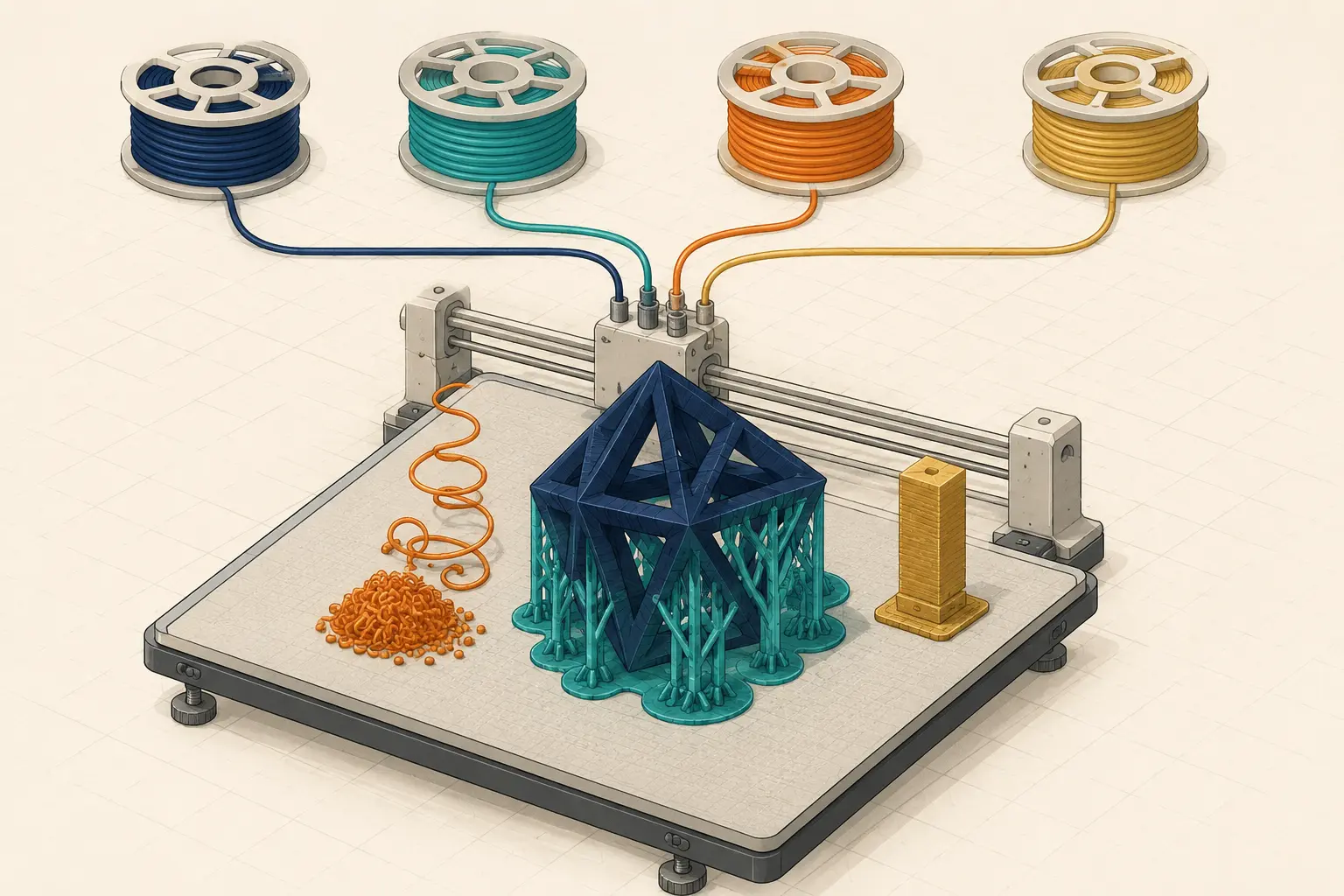
After slicing, record the useful model grams, support grams, flushing grams and prime-tower grams as separate fields. Model material creates the deliverable. Supports may be necessary for geometry but are removed. Flush material manages a transition, while the prime tower helps stabilize extrusion around tool changes. All are direct material consumption, but separating them shows which design or profile change can actually reduce cost.
Use the same project file, filament profiles and build-plate arrangement that will be produced. A draft slice with different colors or quantities is not a reliable quote. Save the slicer version and profile name with the job because software and profile changes can alter estimates.
- Save the 3MF or project revision used for the quote.
- Record each material category and total grams.
- Record spool price by material and color when they differ.
- Keep estimated values separate from scale measurements.
2. Convert each category with the price of the spool that supplies it
Convert spool price to price per gram, then multiply each category by its relevant rate. If support interface or color changes use different materials, calculate those lines separately rather than applying one blended price. Add shipping only when it is consistently part of acquisition cost, and do not silently treat a nominal one-kilogram spool as one kilogram of usable filament if your process reserves an unusable remainder.
A transparent quote can show useful material and process material as two subtotals. That makes a multicolor premium defensible: the customer pays for a production method, not only for the grams remaining in the part.
3. Worked example: keep assumptions visible
Suppose a slice reports 120 g of model, 18 g of support, 42 g of flushing and 10 g of prime tower. At an assumed landed rate of $0.025/g, the modeled material consumption is 190 g and the modeled material cost is $4.75. Useful model material accounts for $3.00; the other $1.75 is process material.
This is an arithmetic example, not a P1S measurement or a promise of typical AMS waste. Replace every number with the current Bambu Studio result. The comparison becomes useful when the same model is sliced again after changing orientation, color order, objects per plate or validated flushing settings.
4. Price accepted output, not only one successful slice
The slicer predicts one planned build. Commercial cost must also cover failed starts, rejected surfaces and unusable color transitions. Apply a documented expected-yield factor to the full job cost, or use a rolling accepted-output record. Do not multiply individual waste categories by failure and then apply the same failure factor again to the total.
Machine time, operator work and electricity remain separate cost lines. A lower filament estimate can still be a worse business decision if it adds hours, difficult support removal or a higher rejection rate.
5. Reduce waste by comparing controlled slices
Bambu Studio calculates flushing volume from transition conditions, and Bambu Lab documents controls intended to reduce filament-change waste. Test only documented settings and inspect the result for color contamination or material incompatibility. A failed product costs more than the few grams saved by an aggressive, unvalidated reduction.
Compare object count per plate, color sequence, orientation, support strategy and whether a prime tower is required for the selected workflow. Save before-and-after totals and choose on accepted cost per part—not the smallest orange waste number in isolation.
References and further reading
These manufacturer and technical references support the workflow described above. Use them as a starting point, then validate costs and settings in your own workshop.
Test your numbers